

Blog
How Customers Find Your Business Locally: The Complete Guide to Google My Business

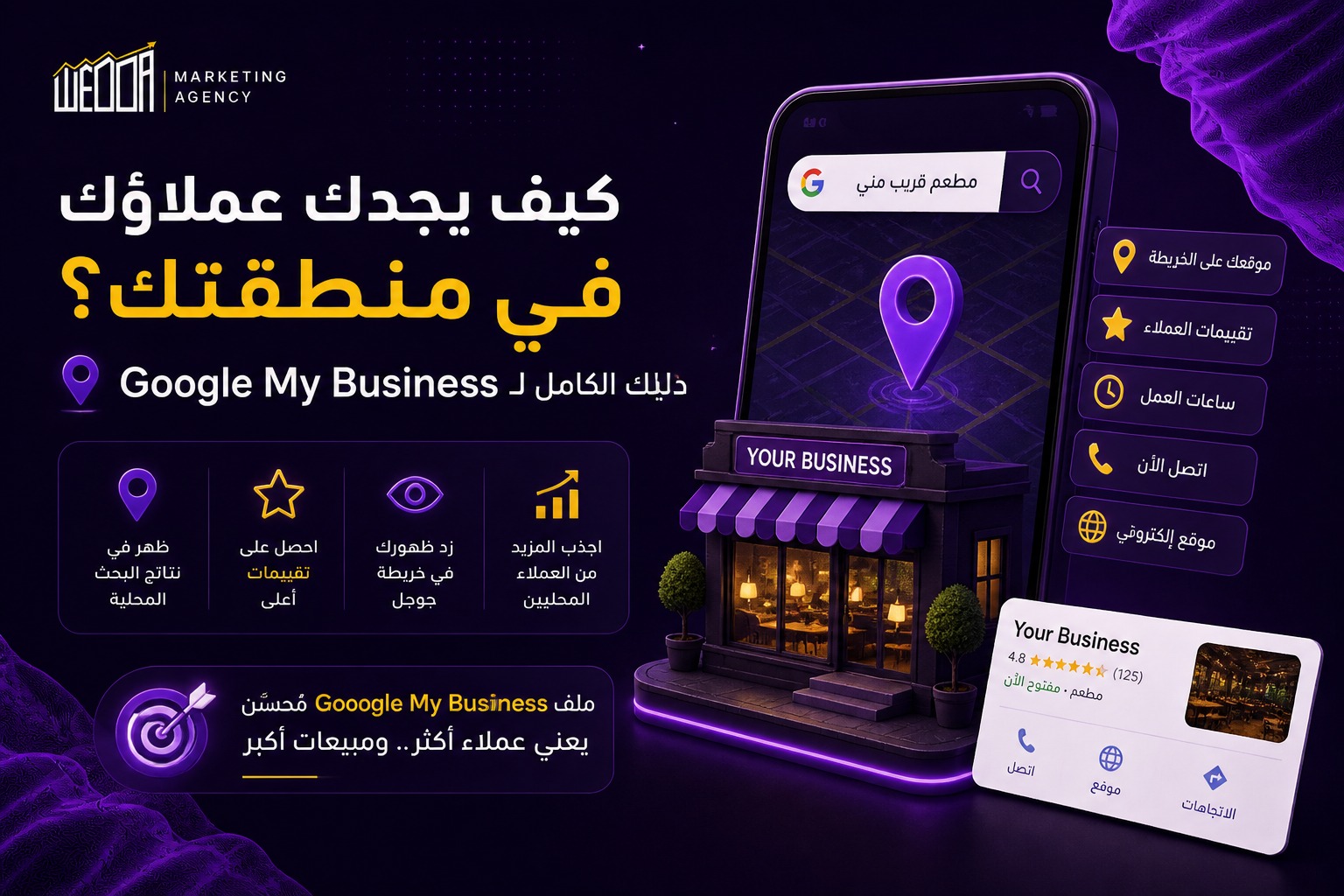
Why Is Google My Business So Important?
When someone searches for:
“restaurant near me,”
“pharmacy in Maadi,”
or “lawyer in Riyadh,”
Google displays local map results before almost anything else.
This section is called the Local Pack or Map Pack.
Appearing in the Local Pack can bring real customers directly to your store, office, clinic, or restaurant — and the best part is that it’s completely free if your Google Business Profile is properly optimized.
How to Create a Google My Business Profile from Scratch
The process is simpler than most people think:
- Go to Google Business Profile and sign in with your business Google account
- Search for your business name
If it doesn’t exist, click “Add your business to Google” - Choose the most relevant category for your business
(Restaurant, Pharmacy, Marketing Agency, etc.) - Add your full address and pinpoint your exact location on the map
- Add your phone number and website
- Request verification
(usually via postcard, SMS, or phone call) - Once verified, complete every section of your profile
7 Factors That Improve Your Local Search Ranking
1. Complete Your Business Profile
Google favors complete profiles.
Add everything:
- Business hours
- Photos
- Description
- Services
- FAQs
The more complete your profile is, the better your visibility usually becomes.
2. Add High-Quality Photos
Businesses with photos receive significantly more visits and customer actions.
Include:
- Exterior photos
- Interior photos
- Product or service images
- Your logo
Visual trust matters.
3. Reviews (Reviews Are Critical)
Reviews are one of the most important Local SEO ranking factors.
The more positive reviews you have, the stronger your chances of appearing higher in search results.
Important Tips:
- Ask satisfied customers to leave reviews
- Respond to every review — positive or negative
- Stay professional and active
Easy Strategy:
Send customers a WhatsApp message after completing the service with your direct review link.
4. Use Google Posts
You can publish:
- Offers
- Updates
- Events
- Announcements
directly on your Google Business Profile.
These posts appear in search results and show Google that your business is active and regularly updated.
5. Add Questions & Answers (Q&A)
Include the most common questions customers ask and answer them clearly.
This helps customers trust your business before they even contact you.
It also saves time for both sides.
6. Maintain NAP Consistency
NAP stands for:
- Name
- Address
- Phone Number
Your business information must be exactly the same across:
- Google Business Profile
- Your website
- Social media platforms
- Online directories
Even small inconsistencies can confuse Google and negatively affect your rankings.
7. Use Keywords Naturally in Your Description
Write a business description that includes the keywords your customers actually search for.
Example:
“Digital marketing agency in Cairo specializing in social media management and SEO.”
This helps Google better understand your business and improve local visibility.
Common Mistakes You Should Avoid
- Adding too many unrelated categories
- Using a business name different from your official brand name
- Ignoring negative reviews without responding
- Forgetting to update holiday or special working hours
Conclusion
Google Business Profile is one of the most powerful free marketing tools for businesses with physical locations.
A properly optimized profile can dramatically increase the number of customers who find you online and visit you in real life.
And if you need help setting up or optimizing your Google Business Profile, the team at Wedda Agency is ready to help professionally.
